memex
memex
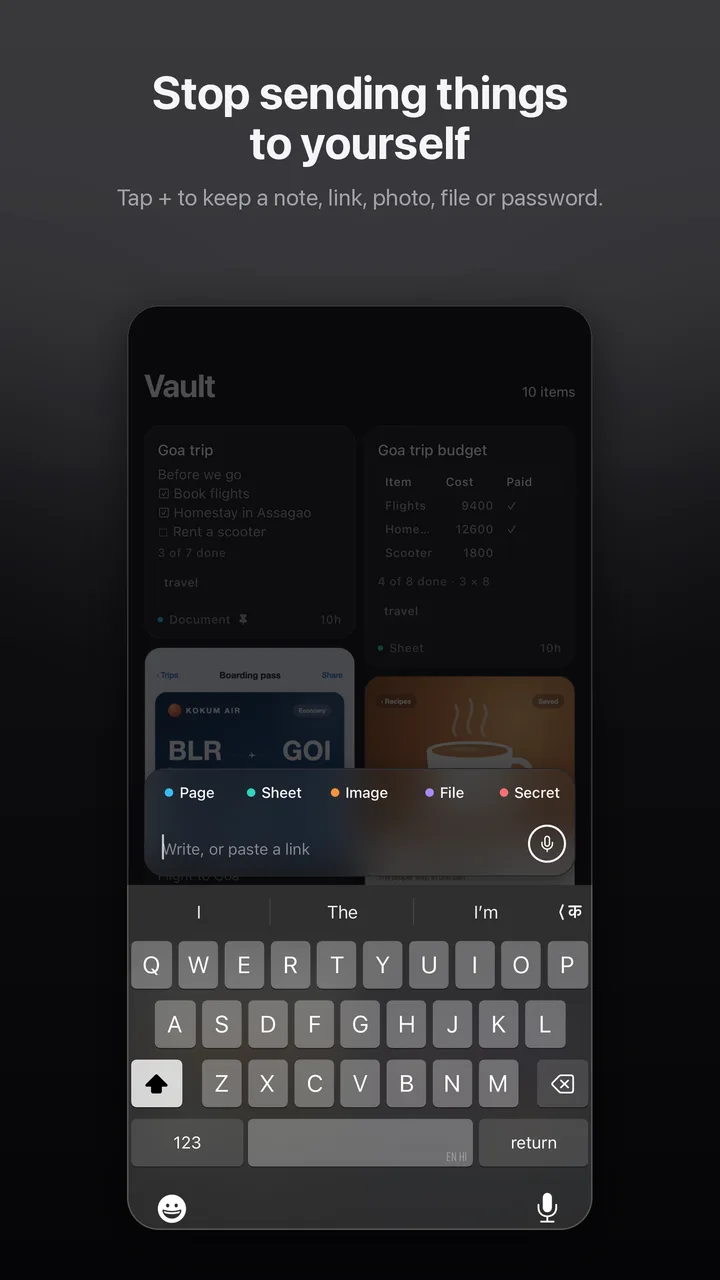
Stop sending things to yourself.
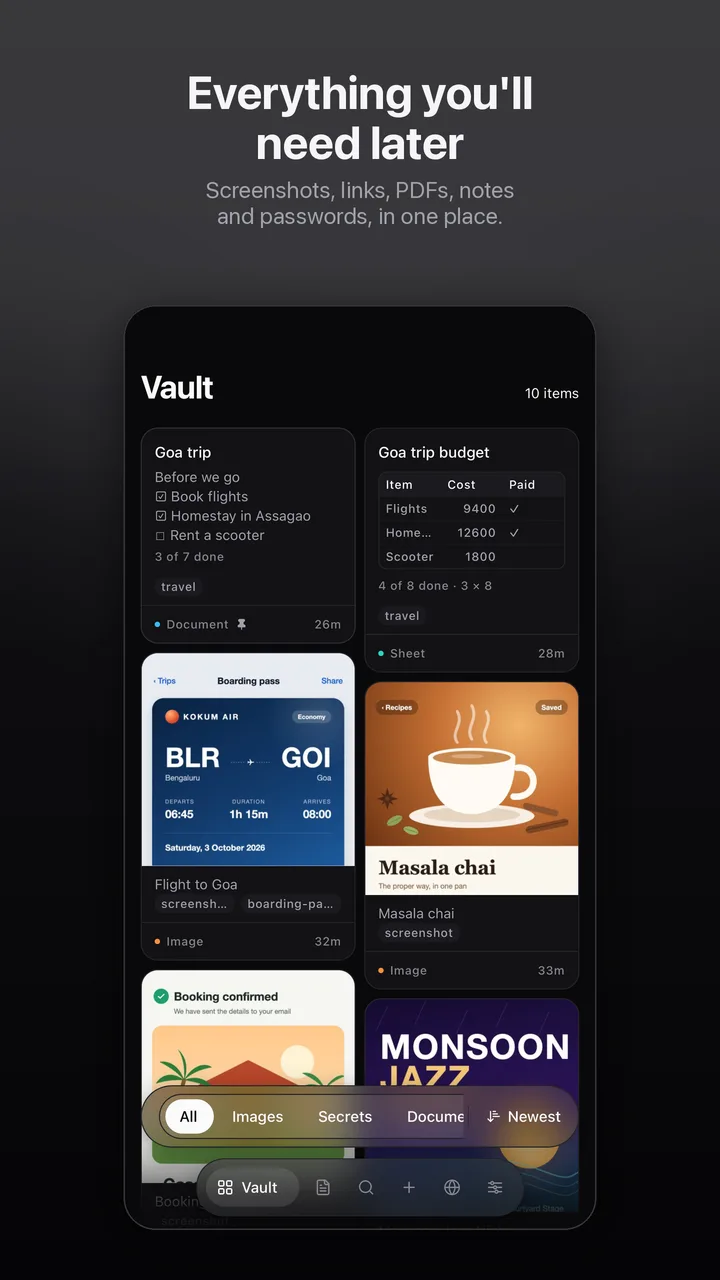
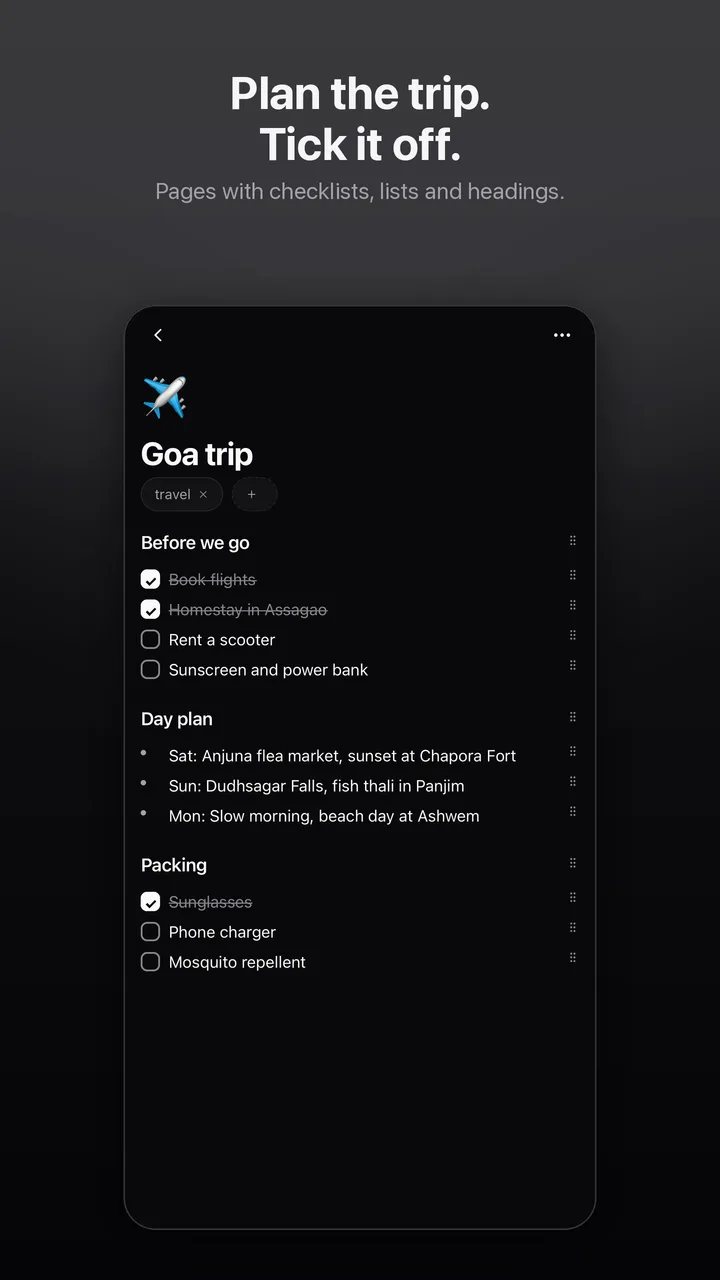
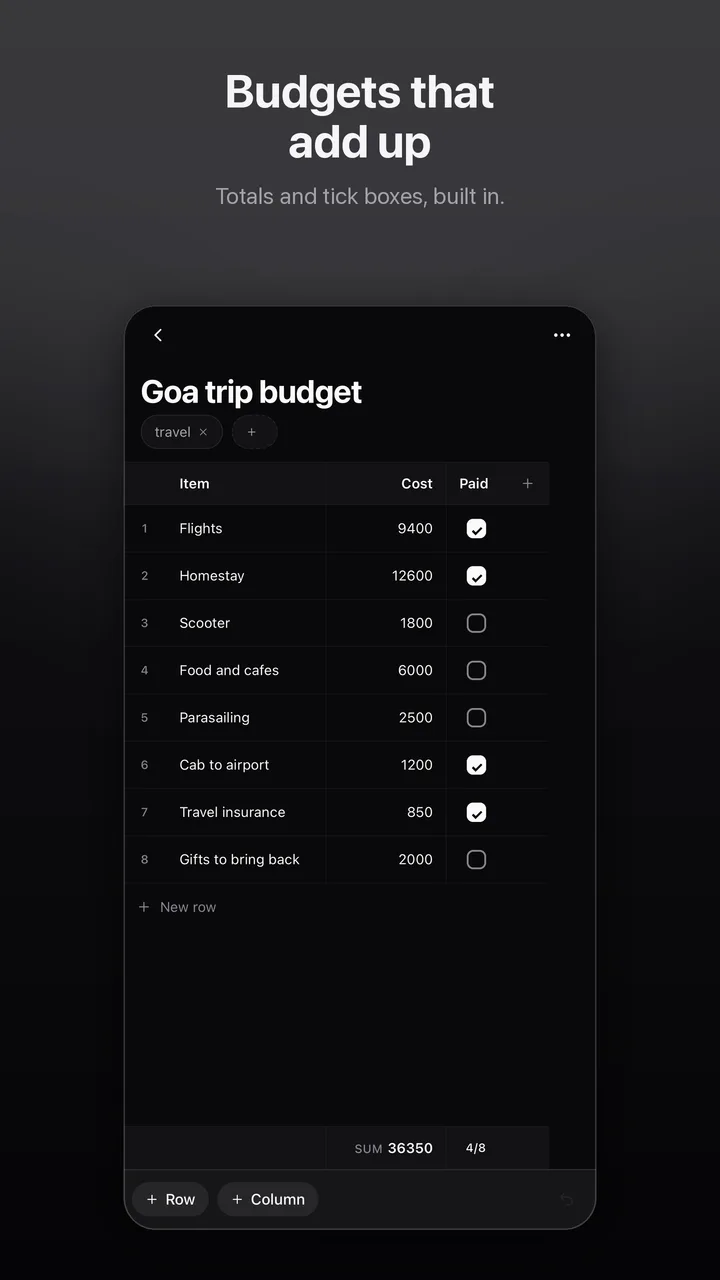
A private place on your phone for everything you’ll need later: screenshots, links, PDFs, voice notes, passwords, ID numbers like Aadhaar, and plans.
Request early access →No account. No ads. Free.
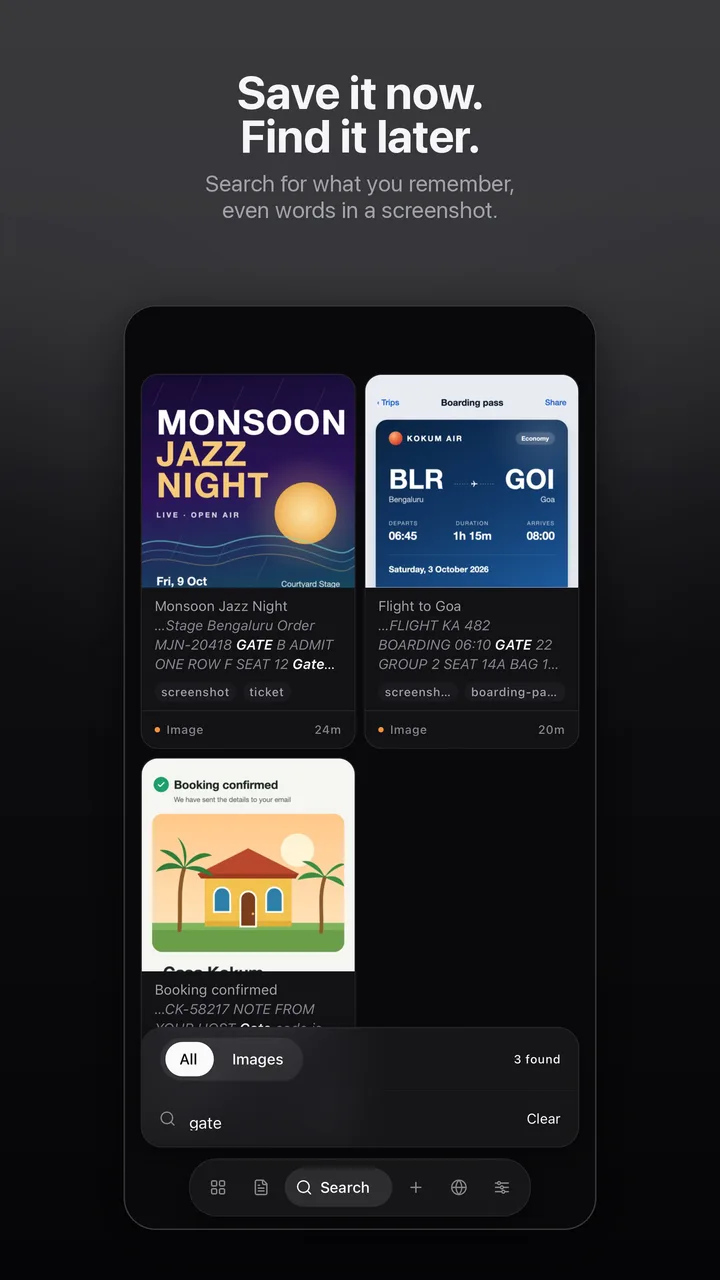
Save it now. Find it later.
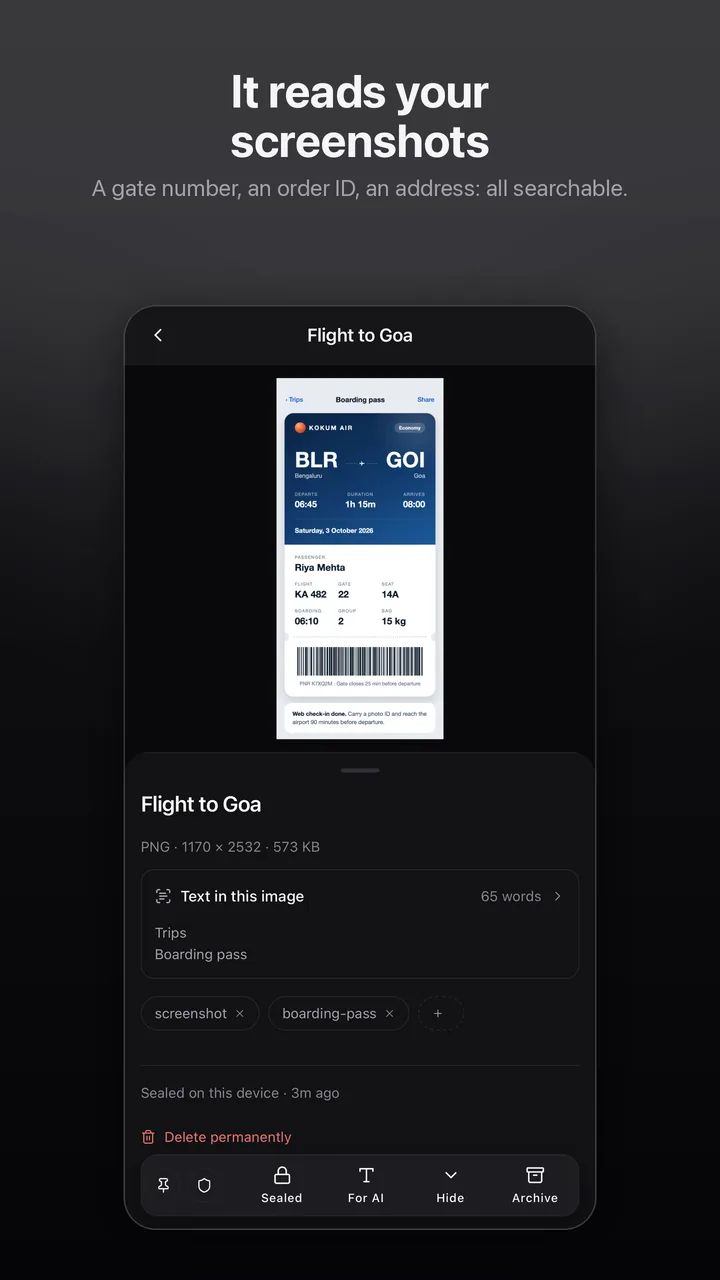
No folders to sort. Search for what you remember, even the words inside your screenshots and PDFs: a gate number, an order ID, an address.
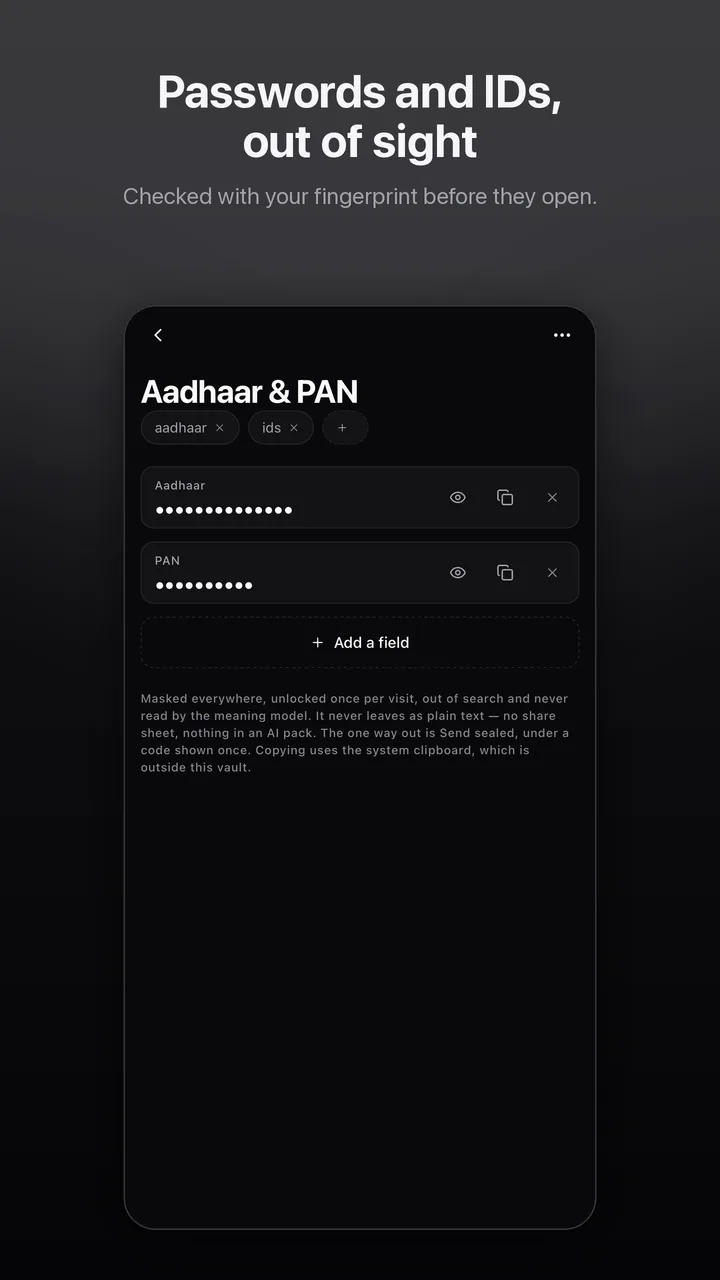
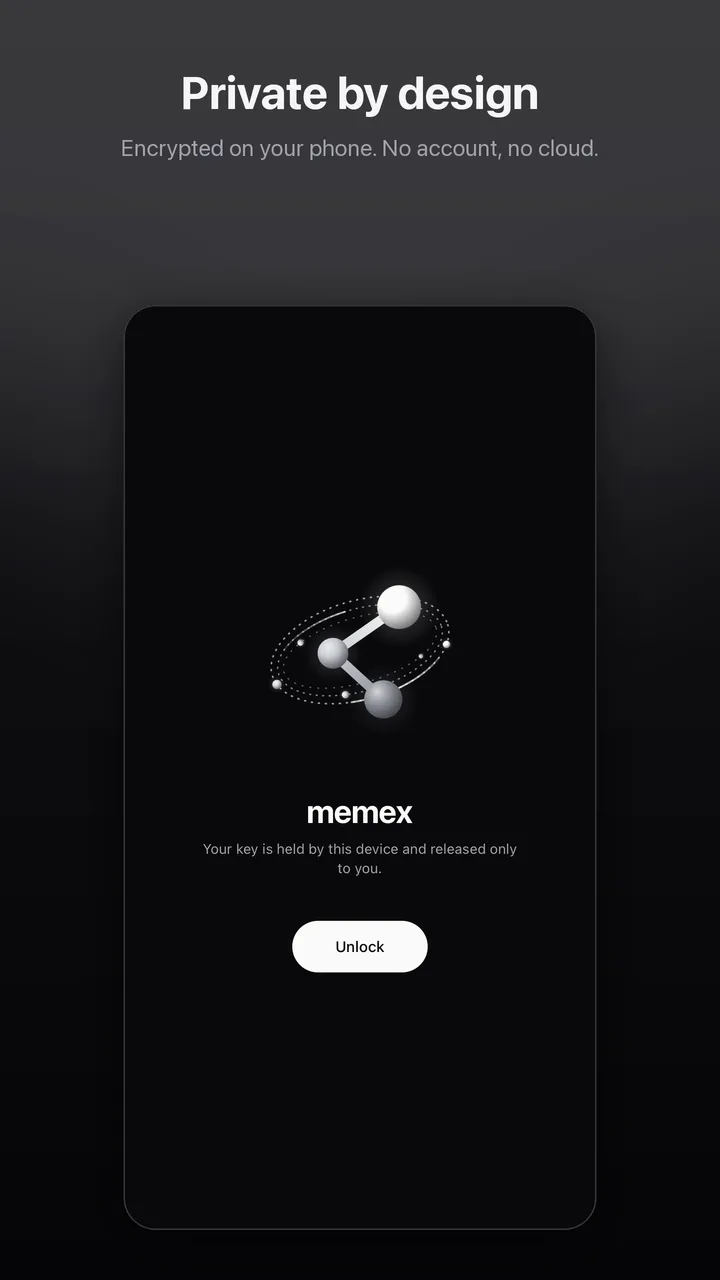
Private by design
Your vault is encrypted on the phone, and its keys stay in the phone’s secure hardware.
It opens with your fingerprint, and locks itself shortly after you leave the app.
Nothing syncs to a server. memex works offline, and your vault stays on your phone.
Encrypted with a passphrase only you know, and saved wherever you choose.
Text recognition runs on your phone. Google’s library sends Google diagnostics about itself, never your content. Read the privacy policy.
Across your devices
memex pro is a separate app for more than one device. It keeps your phone, your computer and a browser in step, and shares what you choose with the people you connect to. See memex pro.
Early access
memex is available on Google Play by invitation while we prepare the public release.
- 01
Request an invitation. Email blumrry@proton.me with the Google account you use on the Play Store. We will confirm once you have access.
- 02
Accept the invitation. Signed in with that account, open the early access page and tap Become a tester.
- 03
Install memex from Google Play.
- 04
Share feedback. Stay enrolled to receive updates, and send anything you notice to blumrry@proton.me.
Requires Android 7.0 or newer. An iPhone version is not available yet. The Google Play links work once your invitation is confirmed.
MEMEX · THINKING MACHINE LABS · DOCS.THINKINGMACHINELABS.DEV/MEMEX