memex pro
memex pro
Everything you keep, across your devices.
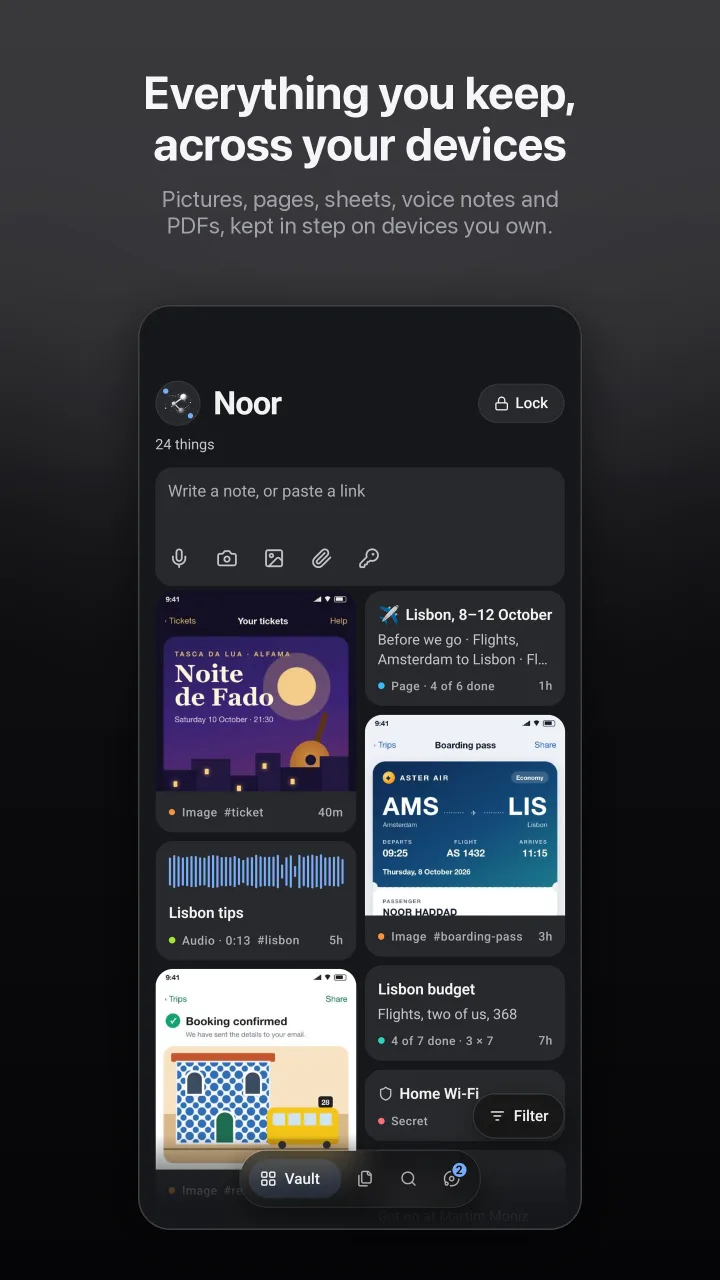
memex pro is memex on your phone, your computer and a browser at once. It keeps them in step, and shares what you choose with the people you connect to.
Request early access →No account. No ads. Android and the web.
Your devices, in step
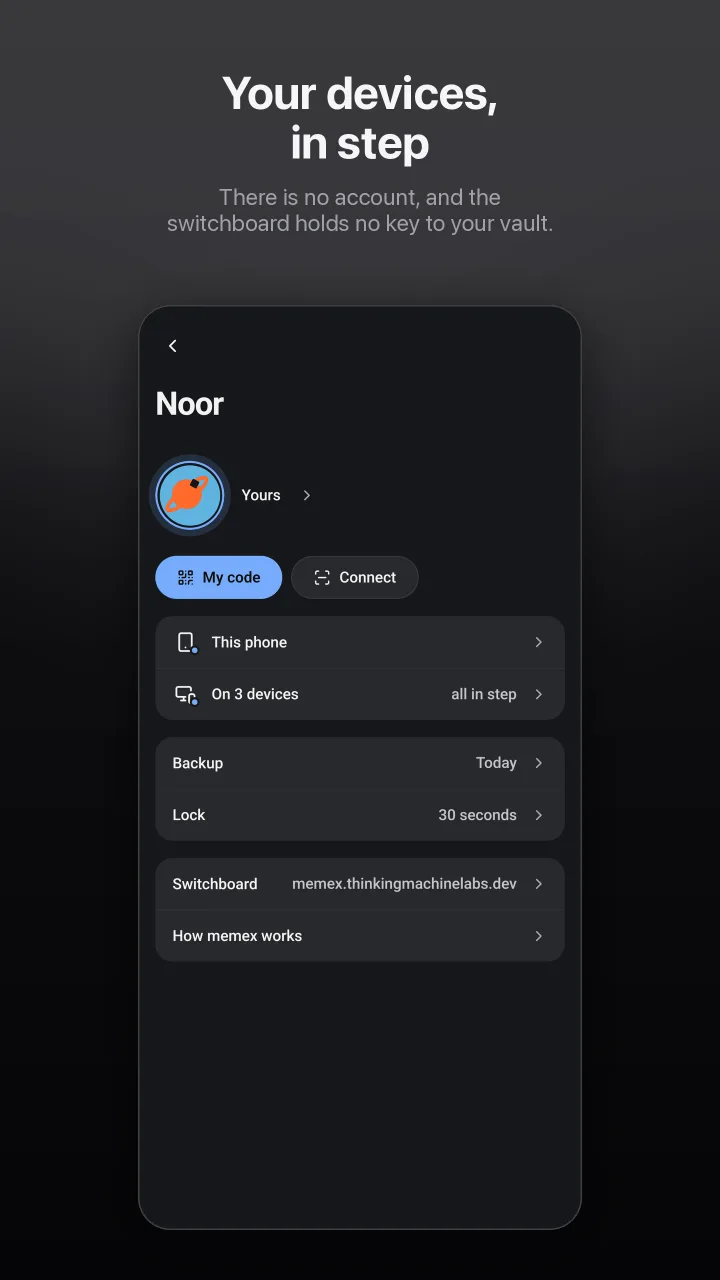
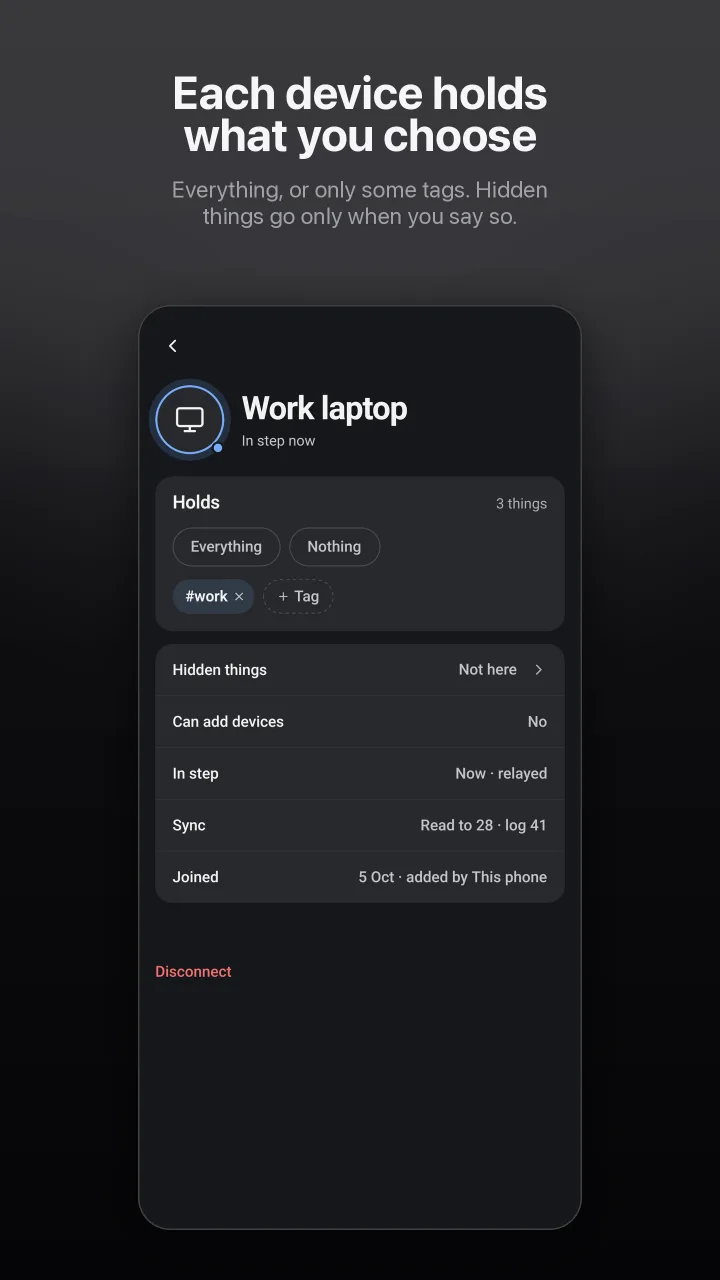
Add a phone, a tablet, a computer or a browser by scanning its code. Each one holds what you choose: everything, or only some tags. Hidden things go to a device only when you say so. Edit on one and the others follow; edits made apart are put together, and nothing is asked of you.
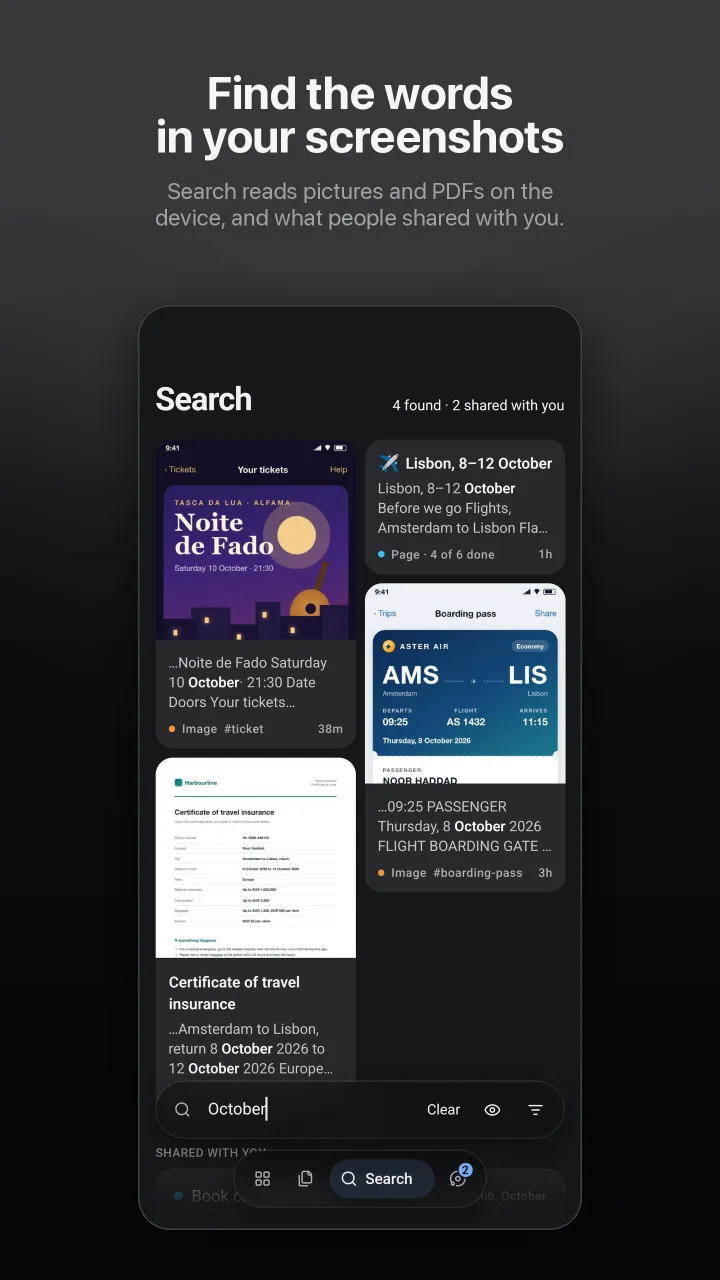
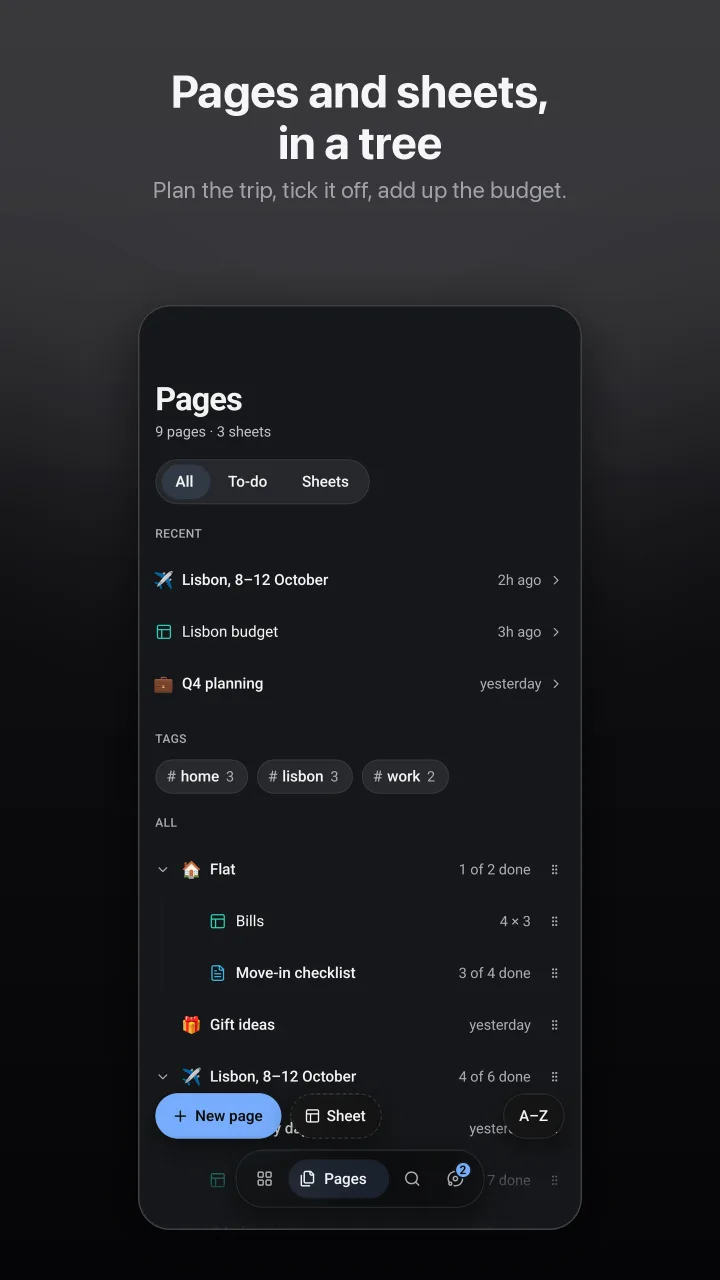
People, and the words between you
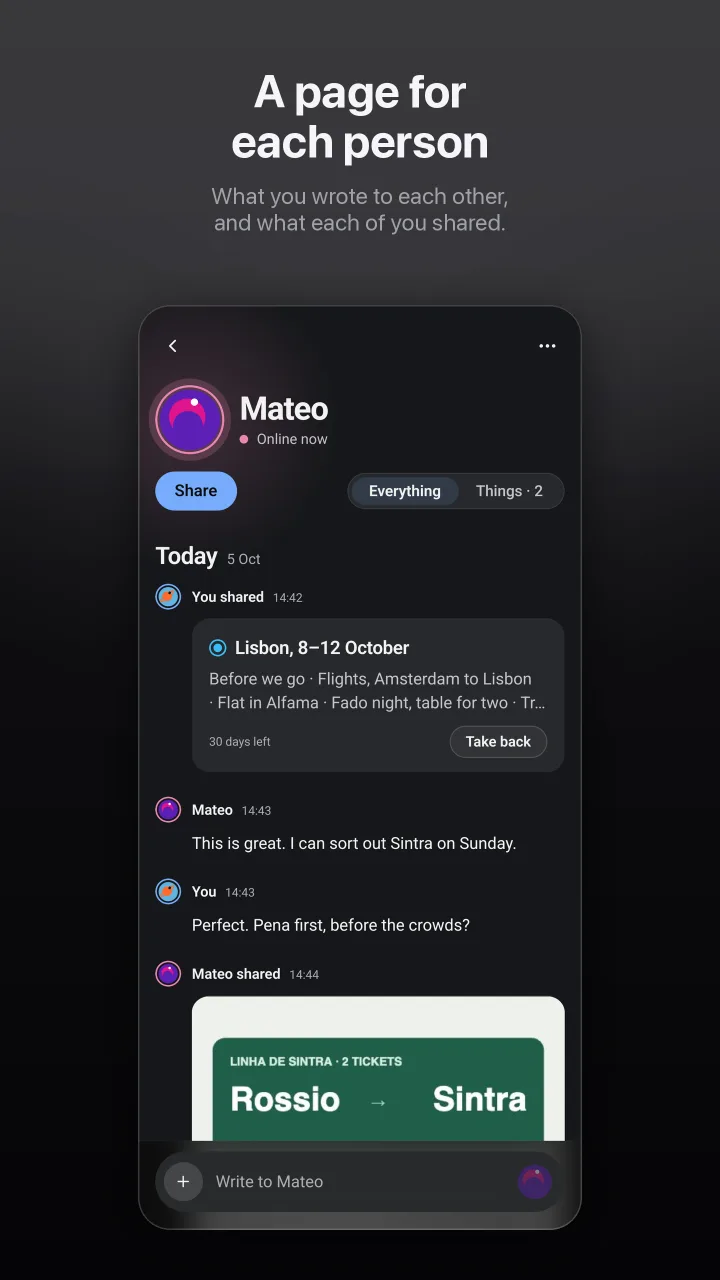
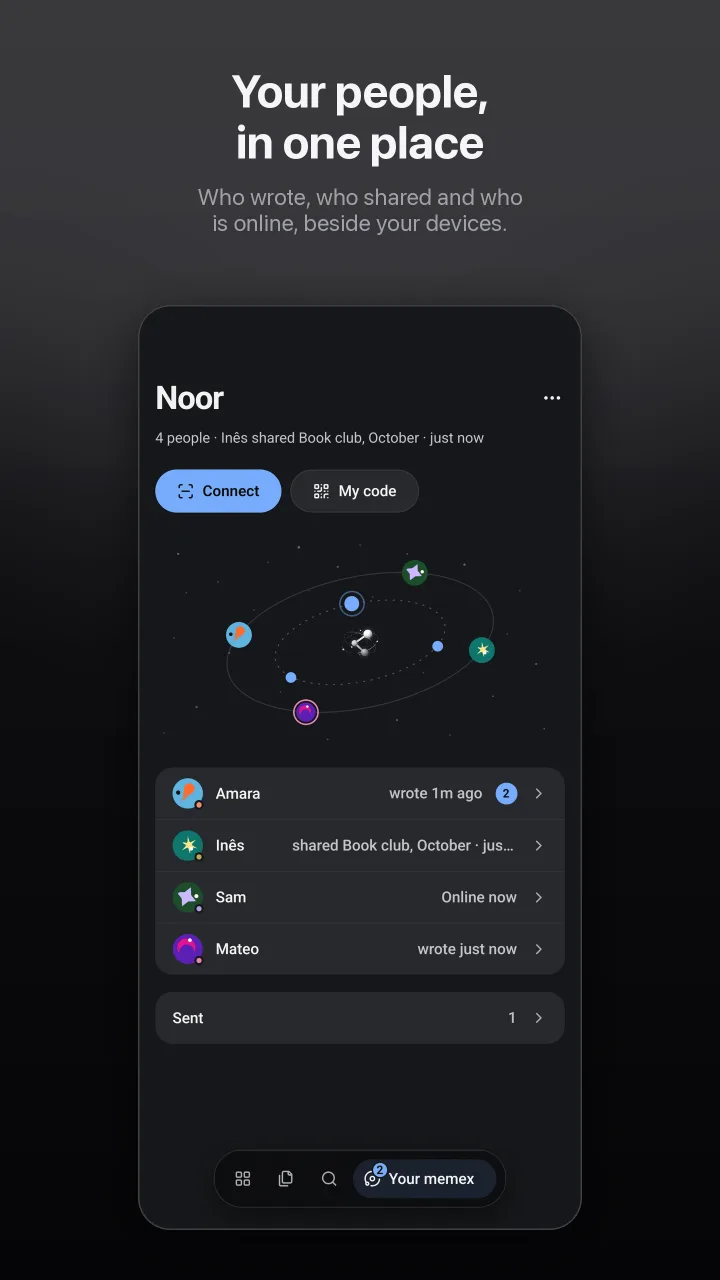
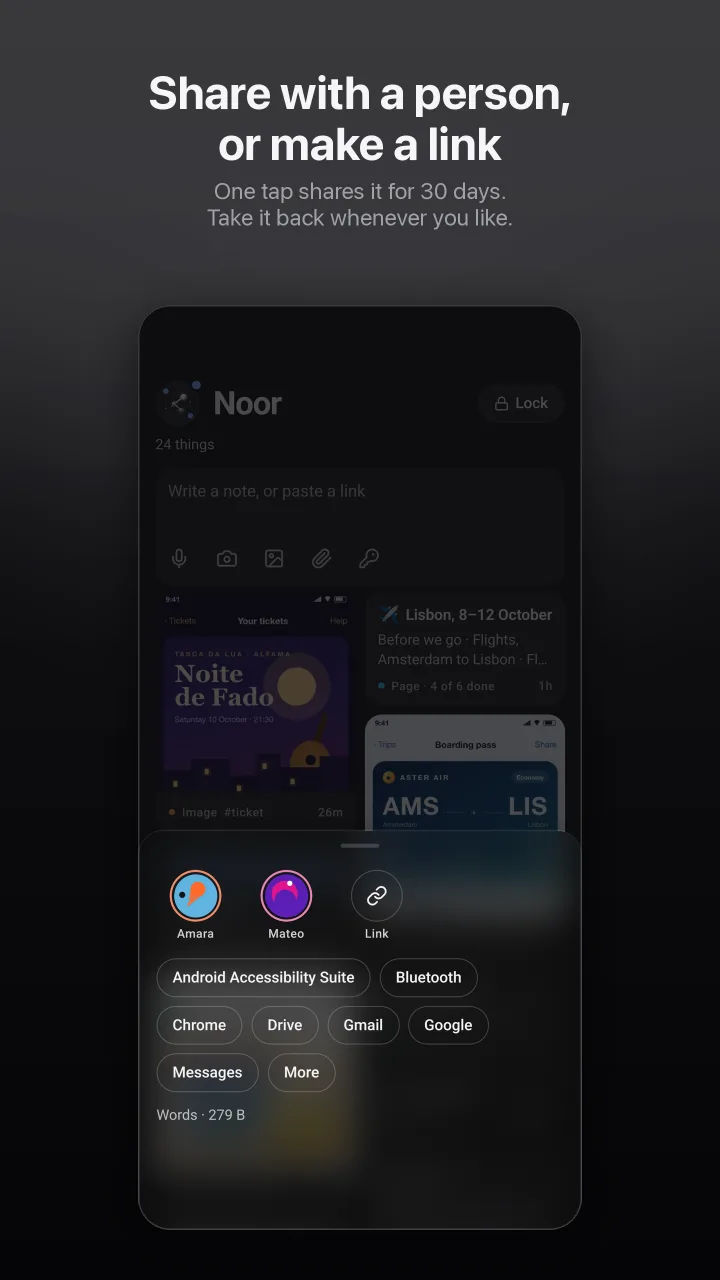
Connect with someone by scanning their code. Connecting shares nothing. Each person gets a page: what you wrote to each other and what each of you shared, in order. Share a page, a picture or a whole tag for as long as you choose, and take it back when you like. For anyone else, there is a link.
Told when somebody writes
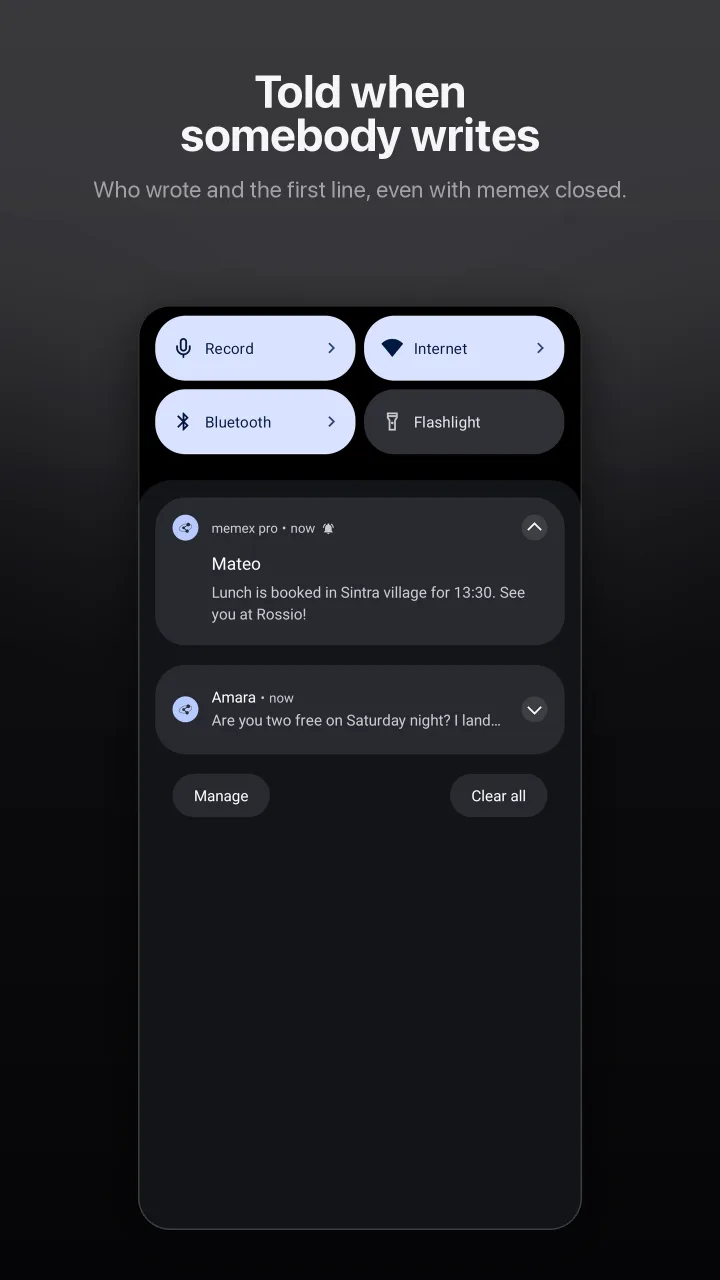
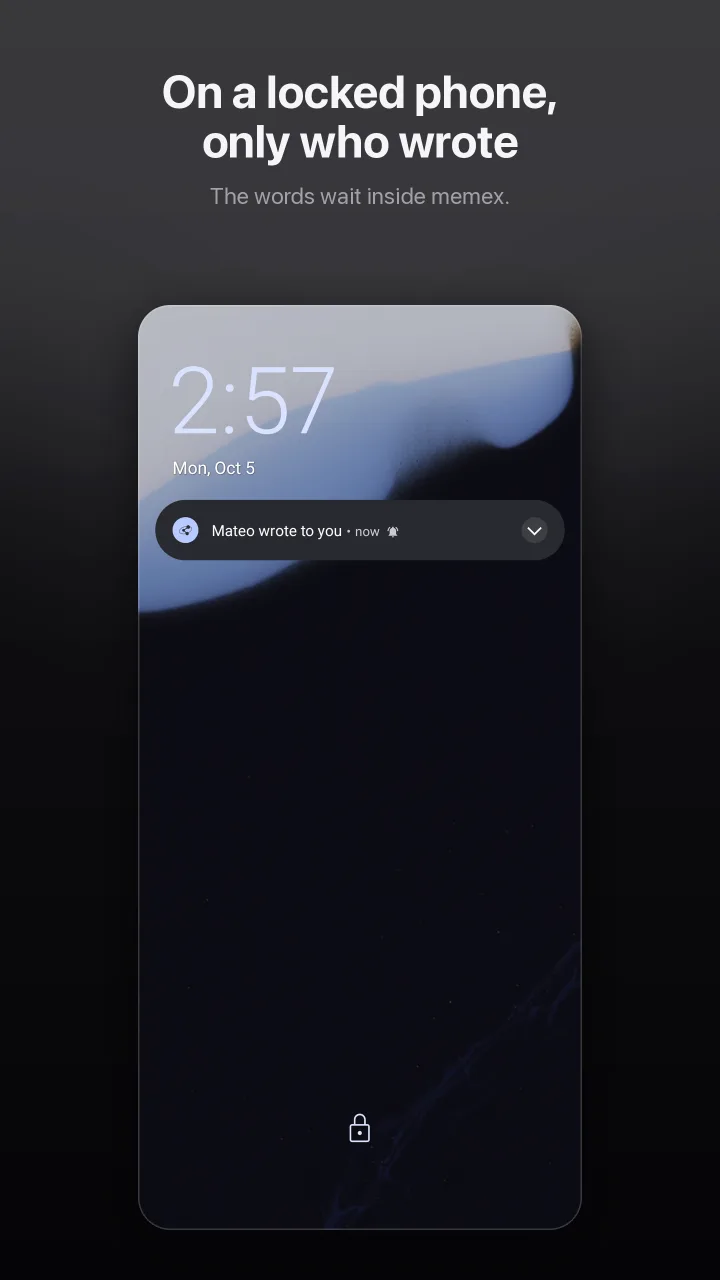
When somebody you are connected to writes while memex is closed, your phone says who and the first line. On a locked phone it says only who wrote, and the words wait inside memex. Each notice is sealed on the writer’s device so that only your phone can open it, and notifications stay off until you turn them on.
Assistants read only what you give them
Add memex to Claude, or any assistant that can add it by its address, and approve it from your phone. It reads what you share with it and nothing else: never a hidden thing, never a secret. Your own devices answer its questions, and when they are all closed, nothing does.
On your computer, too
memex web is memex pro in a browser, at memex.thinkingmachinelabs.dev. Add it from your phone with a code, like any device, and choose what it holds.
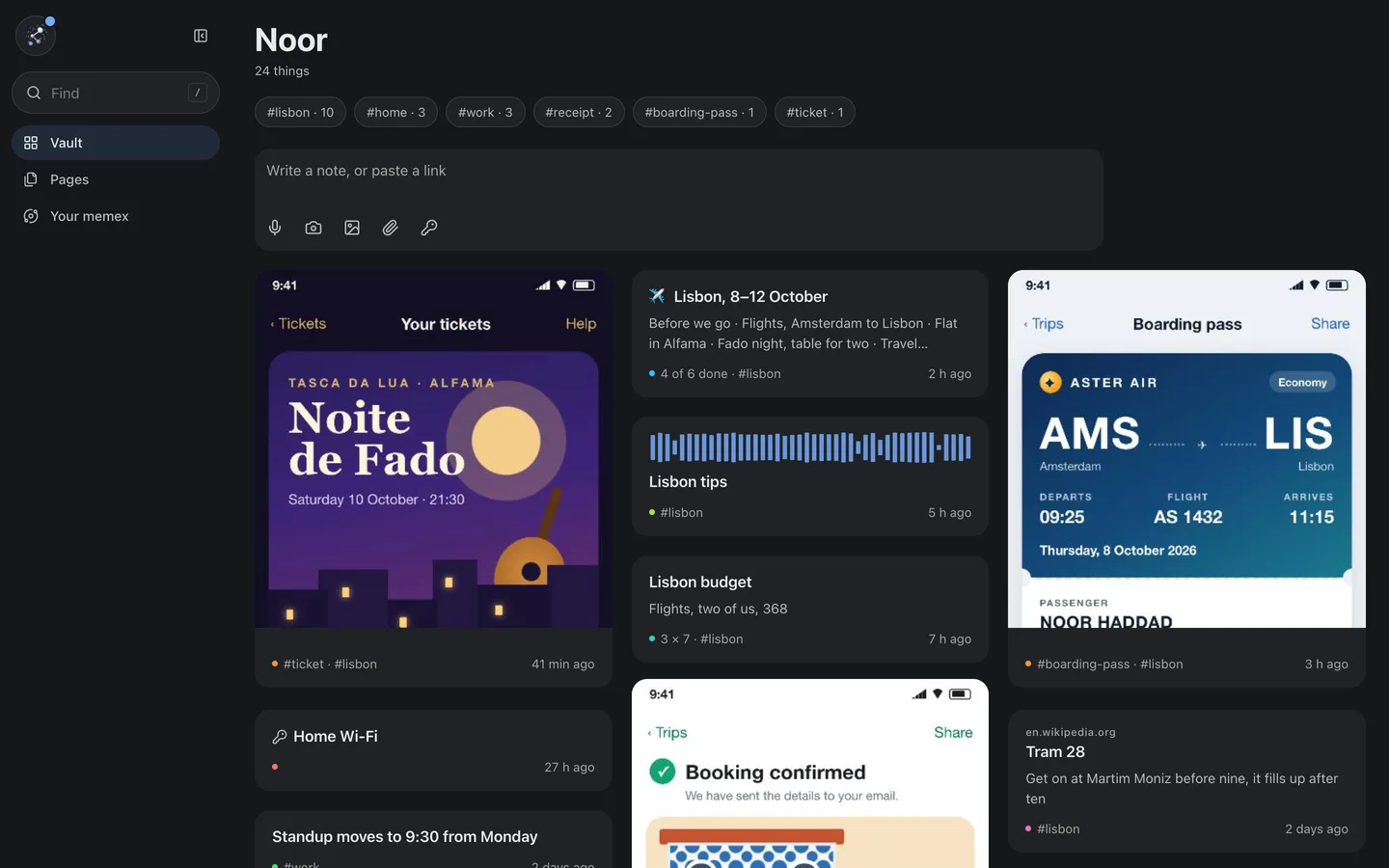
A browser keeps what it holds in its own storage, and the records there are readable to anyone who can open that browser profile.
Private by design
No sign-up, no email, no phone number. Your devices know each other by keys they make themselves.
What your devices send each other, directly or through our switchboard, is sealed. The switchboard holds no key to it.
Your vault is encrypted on the phone, and its keys stay in the phone’s secure hardware.
Notices travel through Google’s push service, sealed so only your phone can open them. Google sees that one arrived, never who wrote or what.
Text recognition runs on your phone. Google’s libraries tell Google a little about their own workings, never your content. What you share with an assistant in the cloud passes our switchboard readable, and is not kept there. Read the privacy policy.
Still memex
Notes, pages and sheets. Pictures and PDFs read for their words, voice notes, and search across all of it. A hidden tier for passwords and IDs that asks again before it opens. If you’d rather keep everything on one phone, memex, the free app, is the same vault, and nothing about it leaves that phone.
Early access
memex pro is available on Google Play by invitation while we prepare the public release.
- 01
Request an invitation. Email blumrry@proton.me with the Google account you use on the Play Store. We will confirm once you have access.
- 02
Accept the invitation. Signed in with that account, open the early access page and tap Become a tester.
- 03
Install memex pro from Google Play.
- 04
Share feedback. Stay enrolled to receive updates, and send anything you notice to blumrry@proton.me.
Requires Android 7.0 or newer. On a computer, add memex web from your phone. An iPhone version is not available yet. The Google Play links work once your invitation is confirmed.
MEMEX PRO · THINKING MACHINE LABS · DOCS.THINKINGMACHINELABS.DEV/MEMEX/PRO